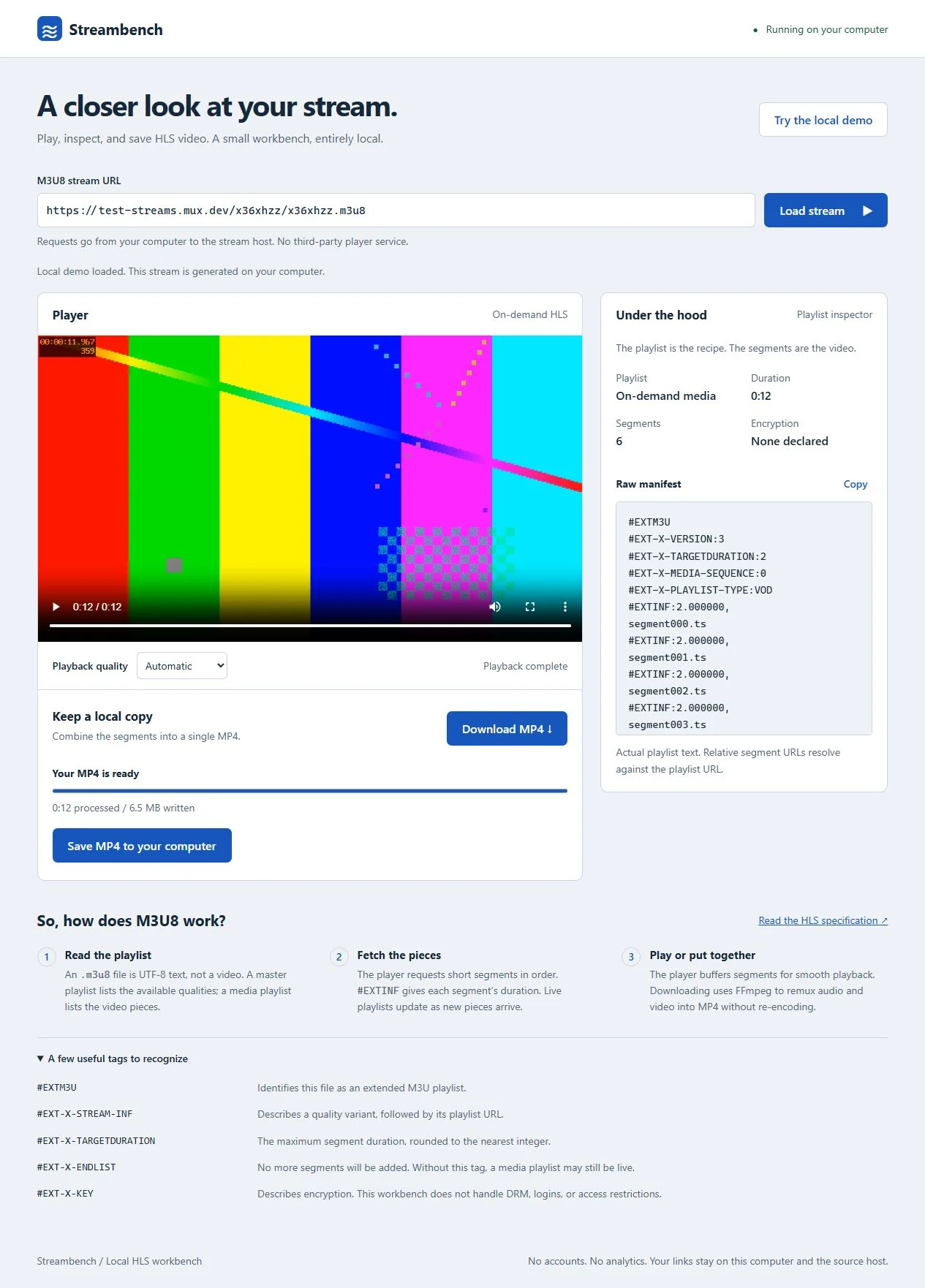
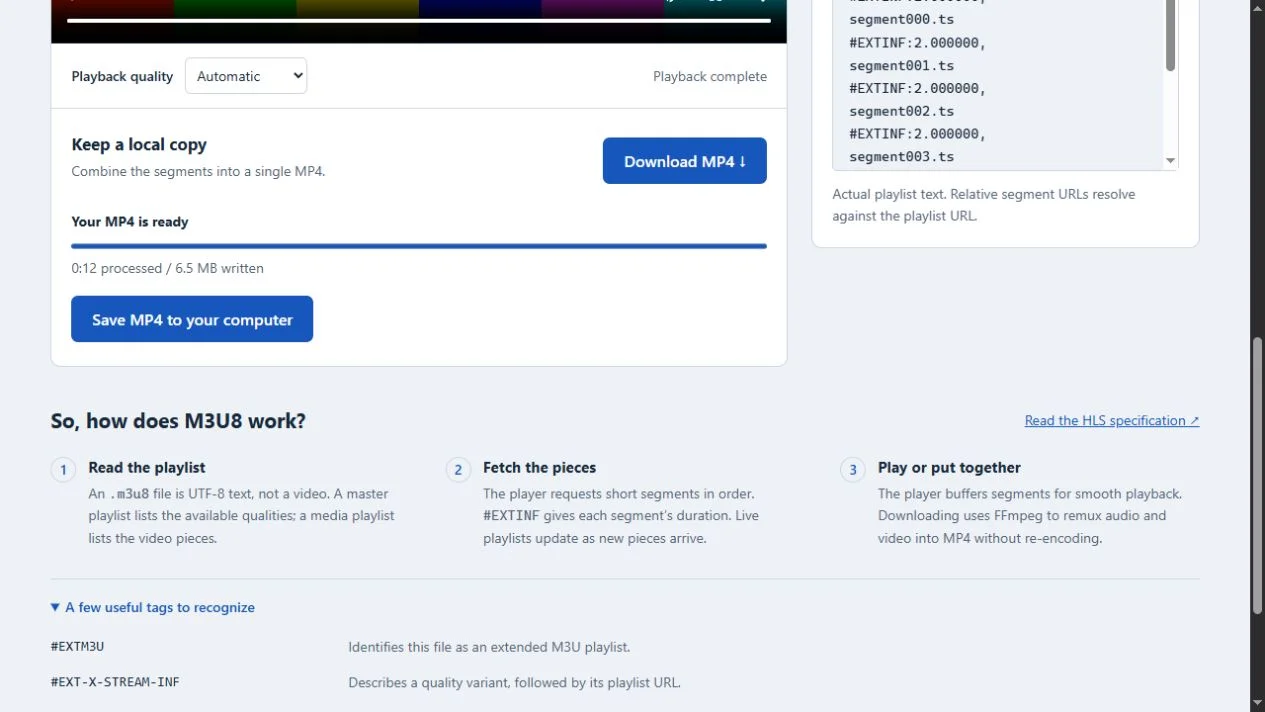
Local HLS player and learning workbench. Pairs a video player with the actual playlist text so the relationship between master playlists, quality variants, and video segments is visible. Runtime assets are served locally; only requested remote stream hosts receive network requests.
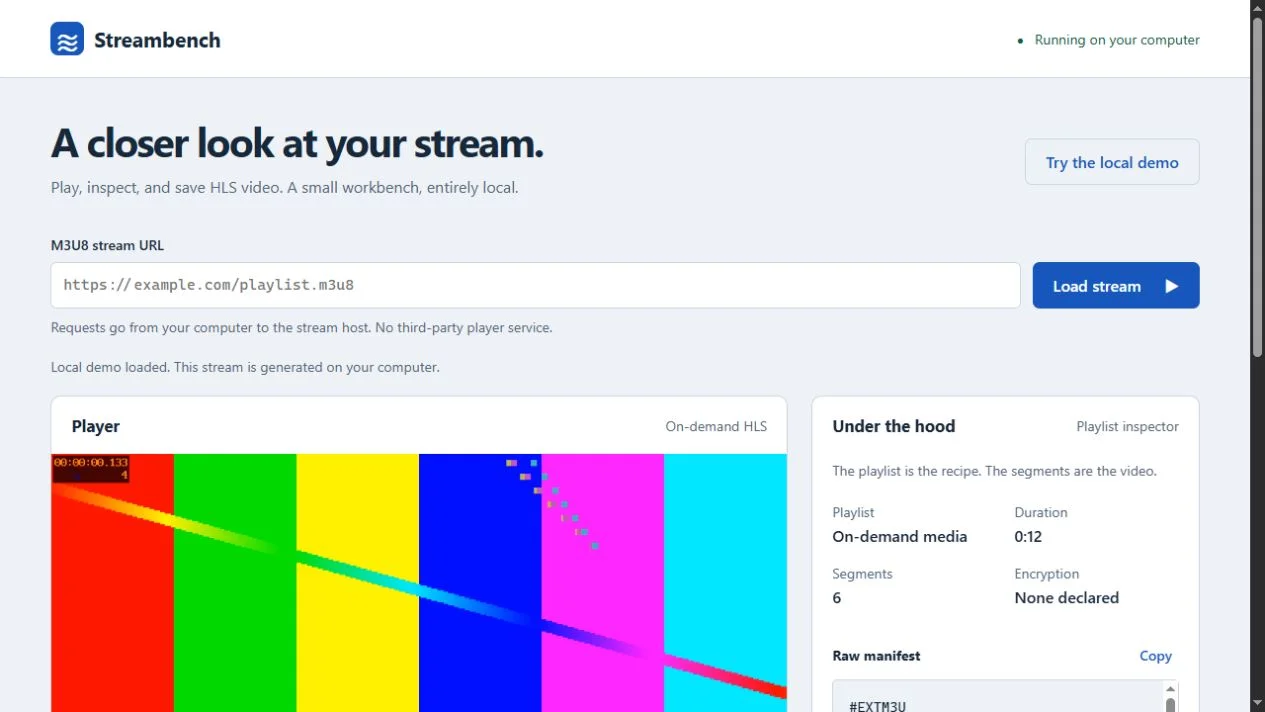
Streambench lets someone play, inspect, and save an HLS stream without sending its URL to an online player service. Its interface pairs a video player with the actual playlist text, so the relationship between master playlists, quality variants, and video segments is visible.
A generated offline example splits twelve seconds of synthetic video and audio into six segments. The accompanying tag guide explains what the user is seeing. Runtime assets are served locally; only requested remote stream hosts receive network requests.
Built by Howarth Tech Solutions.
Node.js 22 running as a local server, a native browser front end, and locally installed FFmpeg handling remux. No framework, no database, no cloud dependency.
The local server acts as a reverse proxy, rewriting segment, map, key, and track references so the browser can resolve them. Security checks include DNS-pinned IPv4 validation, loopback binding, and Host/Origin/cross-site enforcement to prevent the tool from being used as a proxy to private-network destinations.
Everything you need to play, inspect, and save HLS streams without sending anything to an online service.
The engineering behind a security-aware local application.
The local server rewrites all relative segment, map, key, and track references so the browser can resolve them without CORS errors or direct access to the stream host.
DNS-pinned public IPv4 validation and redirect checks block private-network and loopback destinations, preventing the tool from being used as a network proxy to internal addresses.
The server binds to loopback only and enforces Host, Origin, and cross-site checks on every request. No request from an external origin is accepted.
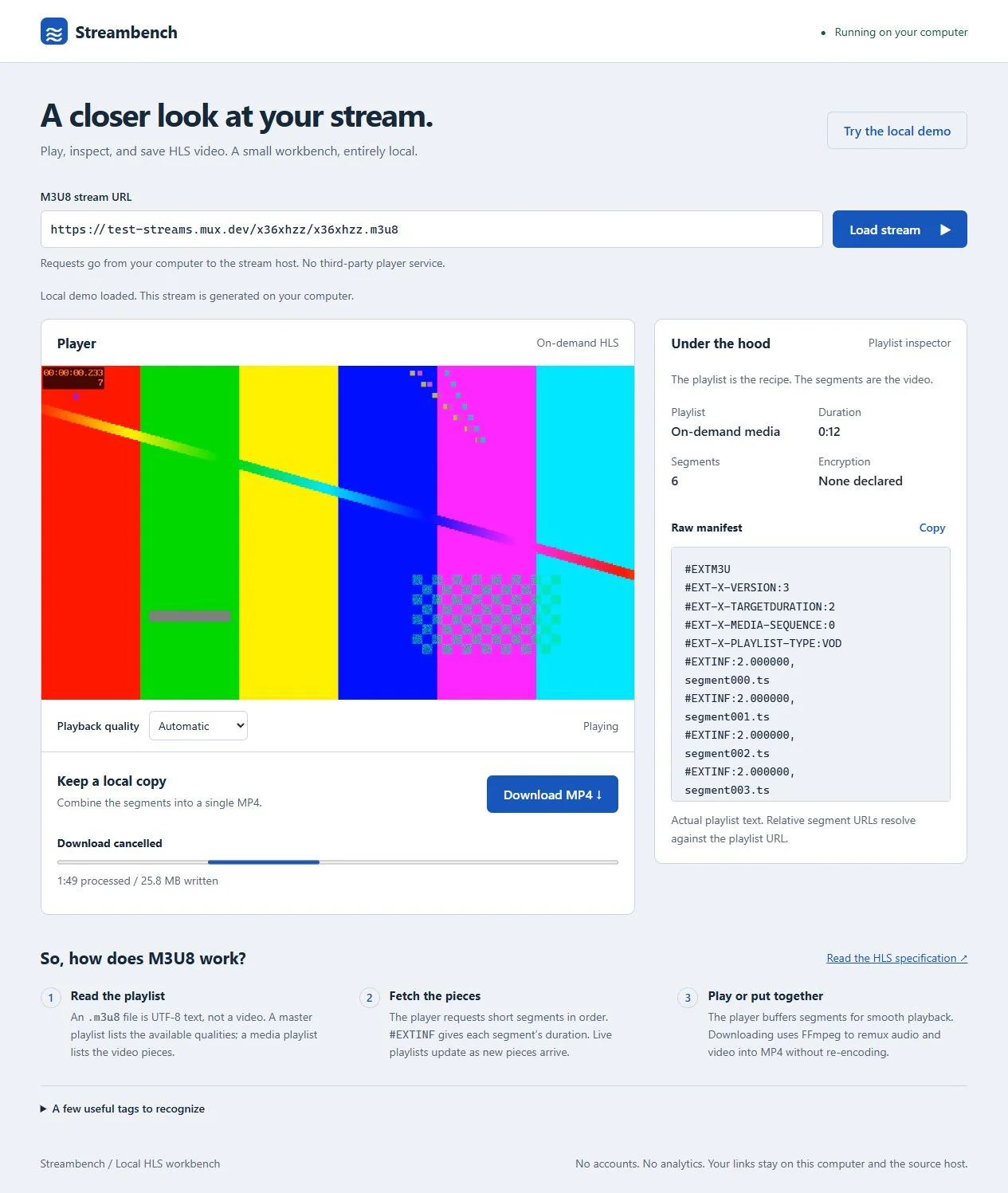
Remuxes original audio and video into MP4 without re-encoding, preserving the source codec and quality. Byte-range forwarding ensures segment data arrives intact.
Manifest responses are decoded as UTF-8 with byte-range forwarding. Chunked and range responses are handled correctly across different stream configurations.
The test suite covers the full pipeline including an actual HLS-to-MP4 download decoded by FFmpeg — end-to-end validation of the working system, not just mocked unit tests.
Streambench demonstrates the range from media-stream integration to security-aware local application design.
Streambench shows what a local media tool looks like when built to production standards — security-aware proxy design, real FFmpeg integration, automated pipeline tests, and a responsive interface. If you need a custom local application or browser-based workbench built to the same standard, let’s talk.
Streambench is a local HLS player and learning workbench. It lets you play, inspect, and save an HLS stream without sending its URL to an online player service, pairing a video player with live manifest text on localhost.
Node.js 22 for the local server and reverse proxy, hls.js and m3u8-parser for browser HLS playback, and locally installed FFmpeg for MP4 remuxing without re-encoding.
Yes — local application architecture, media pipelines, and browser-based tooling are all in scope. See our software development service to discuss your needs.
Tell us what you have in mind and we'll come back with an approach and a flat quote — no obligation.